Millions of posts get uploaded to social media daily. The majority of these are not seen by the users. A simple or low-quality image cannot catch attention. It also makes a brand look less professional. Many beginners think graphic design is hard. They feel they need years of experience to create good designs. In reality anyone can learn this skill through regular practice.
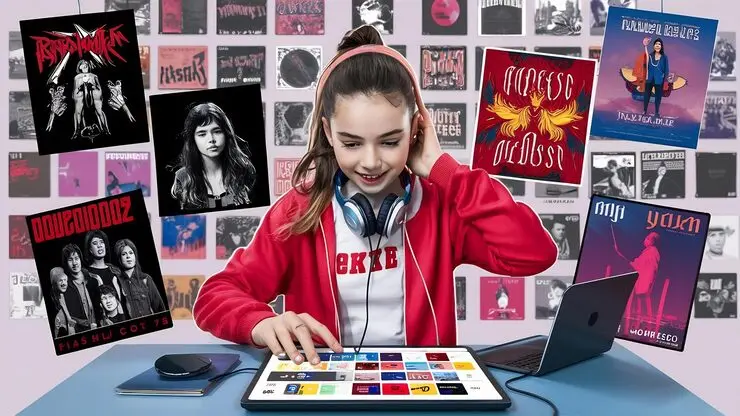
The right tools make learning much easier for beginners. Photoshop is one of the best tools for social media graphics. It offers simple features for creating professional designs. Students can edit images with just a few steps. They can add text and choose attractive colors easily. Photoshop also helps create clean and eye-catching layouts. Regular practice improves both skills and design quality.
This article explains how to create social media graphics using Photoshop. Every step is simple and easy to follow.
Setting Up and Structuring Your Design
Fix the Photoshop Setup
After opening Photoshop, first create a new file. This is the first step of every design. Every social media platform uses a different image size. Always select the correct canvas size before you start. A proper size keeps the design clean and clear. It also helps the graphic look perfect after uploading. Next, choose a simple background.
Background Colors and Layer Organization
A clean background makes the text and images easy to see. Try to use your brand colors in every design. This creates a strong and professional identity. This makes editing simple and saves time. If you need to change one element, you only edit that layer. The rest of the design stays safe. Give every layer a clear name from the beginning. A good organization makes your work faster and helps you create better social media graphics with confidence.
Selection Of Images And Text
High-quality images should be used for each graphic. Stricken quality or blurry images negatively affect the design. Always write text short and clear. Keep the font simple so that everyone can understand it easily. Keep titles short and body text small. This way, the design looks balanced. The message of each graphic can be understood at a glance. So write only the necessary information. The balance between the image and the text is also very important. The two should complement each other.
Applying Color, Layout and Creative Elements
The Importance of Colors And Arrangement
Color plays a vital role in the process of creating graphics. Using too many colors will make the graphic look bulky. You may limit yourself to only two or three colors. Text and background colors must contrast with each other. In such a way, you will make the text easier to read. Using Photoshop, one can edit elements of the graphic individually with the help of layers.
Empty spaces play their own role in making good-looking graphics. Empty spaces will give a professional appearance to the graphic. The layout must always be simple in such a way that each element occupies its own space. Balance in design will create a beautiful graphic.
Use of Creative Elements
Shapes, icons, and effects can also be used in Photoshop. Proper use of these things makes the graphic attractive. Each effect should be applied only as needed. Shadows and gradients give the design a modern look. When designing for any business organization, add the logo too. The logo should not hide the design but be easily noticeable. Icons make it easier to comprehend information. Shapes highlight important text. Overuse of effects can also spoil the design. Therefore, I always prefer a simple and clean style.
Finalizing, Practicing and Publishing
Finalizing The Design
When your design is done, double-check it. Check for spelling, and make it readable/understandable. It should be clear and of high quality. First, you have to save the document into PSD.
This allows you to make any changes in the design later if you need.
Then you save it in PNG or JPG format. In addition, check the image on the mobile device screen. If everything looks clear on the mobile, then the design is ready to be published. Before publishing, also check whether the graphic is according to the size of the platform. If the size is wrong, the image may be cropped. Therefore, it is very important to do a final check.
Practice Improvement
To become an expert on Photoshop requires time. No professional was born overnight. The proper method of becoming good is through daily practice. Practicing designing for a few minutes every day is another good tip. You can begin with simple projects and start experimenting with various options. You may play around with fonts and colors and get to know different Photoshop features. Mistakes should not scare you because every mistake is very helpful since it teaches you a lesson. Pay attention to the designs created by professional designers. Pay attention to their layouts, color schemes, and text styles.

Create your designs independently and do not copy the existing ones. Watch videos that show you new Photoshop tricks. Develop one new Photoshop technique each day. Keep your old designs and compare them with your current ones. It will allow you to see your progress. Be patient and continue studying Photoshop. Even small improvements every day will bring a noticeable result. With regular training you will gain your confidence. Gradually you will start creating high-quality graphics faster and much more creatively.
Conclusion
Photoshop can be considered an ideal tool for the creation of social media graphics. This program helps to make great designs. You don't have to know everything in Photoshop at the same time. Start with the basics and then go on improving your skills. Practice daily is very important. Every new design helps you learn something new. It also helps you improve your skills. Good graphics make your posts look clean and professional.
They also help more people notice your content. Use simple text and clean colors in every design. Your skills will get better with time. These skills are useful for your own projects. They are also helpful for freelance work and an online business. Photoshop may look hard in the beginning. You will feel more confident with every new project. Soon you will be able to create beautiful social media graphics that people like and remember.